
Well, it’s here.
If you thought there was a “New Music Business” before, the industry playing field just got leveled even more.
Touring acts, venues, gig workers of all kinds are feeling the affects of a career-threatening AB5 Law and a highly contagious coronavirus. As if one of those wasn’t difficult enough.
++ How Coronavirus Is Affecting Live Music
So we’ve all got two choices: panic or pivot.
HOW CAN YOU PIVOT?
If you choose to pivot, then this post will be of some help. It’s all about sharing some of the resources that are available to you and providing a potential roadmap to continuing to share share your music and even earn income along the way.
One thing that I want to point out before you browse this list. There are several different types of tools and a couple different ways they talk to each other. Having that foundation might help you decide with tool(s) to use based on your goals.
Let’s take a look at a couple of terms that you’ll inevitably run into as you start researching the new landscape.
LIVE STREAM LINGO
Some services allow you to broadcast directly through their mobile app or web app, while others will broadcast either via RTMP or using the platform’s official API. Depending on which route you take, those are the two terms to know.
RMTP: Real-Time Messaging Protocol. What does it mean? Well, by comparison, you already know something very similar for all of the websites you visit. The “protocol” that websites use is “http” or “https” and streaming video uses “rtmp” or “rtmps”.
With RTMP, you’ll need a special link (or Stream URL) and a key (the stream key). This allows your tool to connect with the platform’s server and send the information.
API: Application Programming Interface. Most live video platforms such as Facebook & YouTube Live have an API. This allows a tool to connect to the live video platform. Basically, it just means they can talk to each other.
It also means you’ve got more control over your online concerts. For example, a live video tool using the API can schedule, edit and delete the live video post and potentially retrieve live comments making it much easier for you to control the look and feel of your live videos.
With that lingo out of the way, let’s talk apps. Each one is labeled web-based, mobile, third-party app, or some combination. Web-based you’ll need a laptop/desktop to run and there may be different features (or limitations) of the mobile app.
HOST YOUR GIGS ONLINE WITH THESE LIVE VIDEO STREAMING TOOLS
Facebook Live (Web, Mobile, Third Party)
Facebook Live is a feature of the Facebook social network that uses the camera on a computer or mobile device to broadcast real-time video to Facebook. Live broadcasters can decide who on Facebook can see their video and use this content to engage their audience during the moments and events that are important to them.
You can go live on Facebook in three ways…
- Go Live from your page using Publishing Tools. Publishing Tools is found on the navigation bar, at the top right of your Page.
- You can integrate Live directly into your broadcast setup or device with our API.
- Facebook Live makes it easy to share the moment with people on mobile devices all around the world.
YouTube Live (Web, Mobile, Third Party)
YouTube Live is an easy way to reach your audience in real time through your YouTube Channel. Whether you’re streaming a video game, hosting a live concert, or teaching a class, you can manage your stream and interact with viewers in real time.
Want a little more info? Here’s a great blog post comparing Facebook Live vs. YouTube Live (dacast).
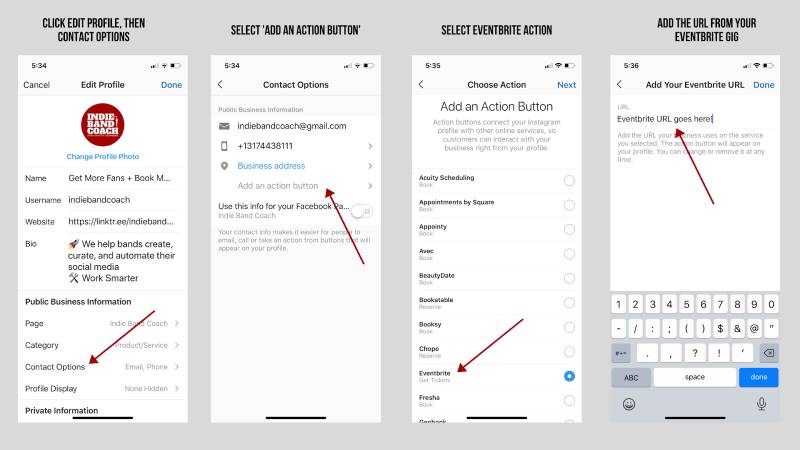
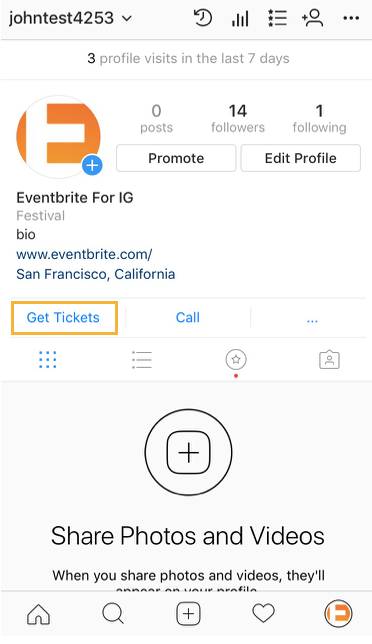
Instagram Live is a feature on Instagram Stories that allows you to stream video to followers and engage with them in real time. When you broadcast live video streams on your account, a ring highlights your profile picture in Instagram Stories to alert followers that they can view the live stream.
Twitch (Web, Mobile, Third Party)
Twitch is the world’s leading live streaming platform for gamers and a ton of other content types. Millions of people come together live every day to chat, interact, and make their own entertainment together. You will need an interface to stream Twitch, but the difference from social media platforms is that the content is typically long form (think 2-4 hour streams vs. 2-4 minute videos).
I actually had a chance to talk to Karen Allen, the author of Twitch for Musicians (2nd Edition was just released) and am really excited about this platform. I thought it was just for gamers, but it’s so much more. If you’re a musician wondering what platform to use, this helpful infographic may help you decide which route to take.

The following resources on the list are more ‘tools for streaming’ or video conferencing platforms vs. actual platforms where your engaged fans might be hanging out. So you may use one of the following apps to help enhance your livestreams to some of the platforms above.
Live Twitter Video via Periscope
You can create and Tweet live video from the Twitter app, powered by Periscope. To go live, compose a Tweet, then tap “LIVE” which brings you to pre-broadcast screen where you can frame your shot.
The LinkedIn Live feature allows individuals and organizations to broadcast live video content to their network in real time. It’s great if your customer or fanbase is already on the platform, but the ability to go live is a little restrictive at the moment. You have to apply to become a LinkedIn Live broadcaster by completing an application. You’ll only be notified if you’re approved.
Stageit is a web-based performance venue that allows you to host paid performances. Musical artists of all kinds perform live via webcam with the ability to choose when they want to perform, for how long, and how much they want to charge. The performances are not archived or duplicated for distribution.
StreamYard (Third party web-based app)
StreamYard is a live streaming studio in your browser. Interview guests, share your screen, and much more. Stream directly to Facebook, YouTube, LinkedIn, Twitch and other platforms. Some cool features of StreamYard include:
- Interview guests to keep your audience coming back.
- Get more views. Stream to multiple platforms simultaneously.
- Brand your live stream.
- Display viewers comments on screen
I currently use StreamYard for all of my live interviews and online trainings. It’s just the app that “I get” the most and easily understand its interface. Here’s a screenshot of our Plan Your Month Over Lunch Training we do at the beginning of every month in our Facebook Group.

++ How To Get More Fans Tuned Into Your Band
BeLive (Third party web-based app)
With BeLive you can broadcast together with your friends and teammates, and create a high quality live broadcast directly through Facebook Live™ on your wall or page.
Loom (Web-based Screen capture)
Loom is a platform that allows you to make quick videos using a lightning-fast video recorder capable of capturing your screen, webcam, and microphone. Loom allows you to quickly:
- Record your camera or screen.
- Send videos directly via SMS, iMessage, Slack, email (or copy and paste the link)
- Watch videos within the app.
- Add comments and emoji reactions.
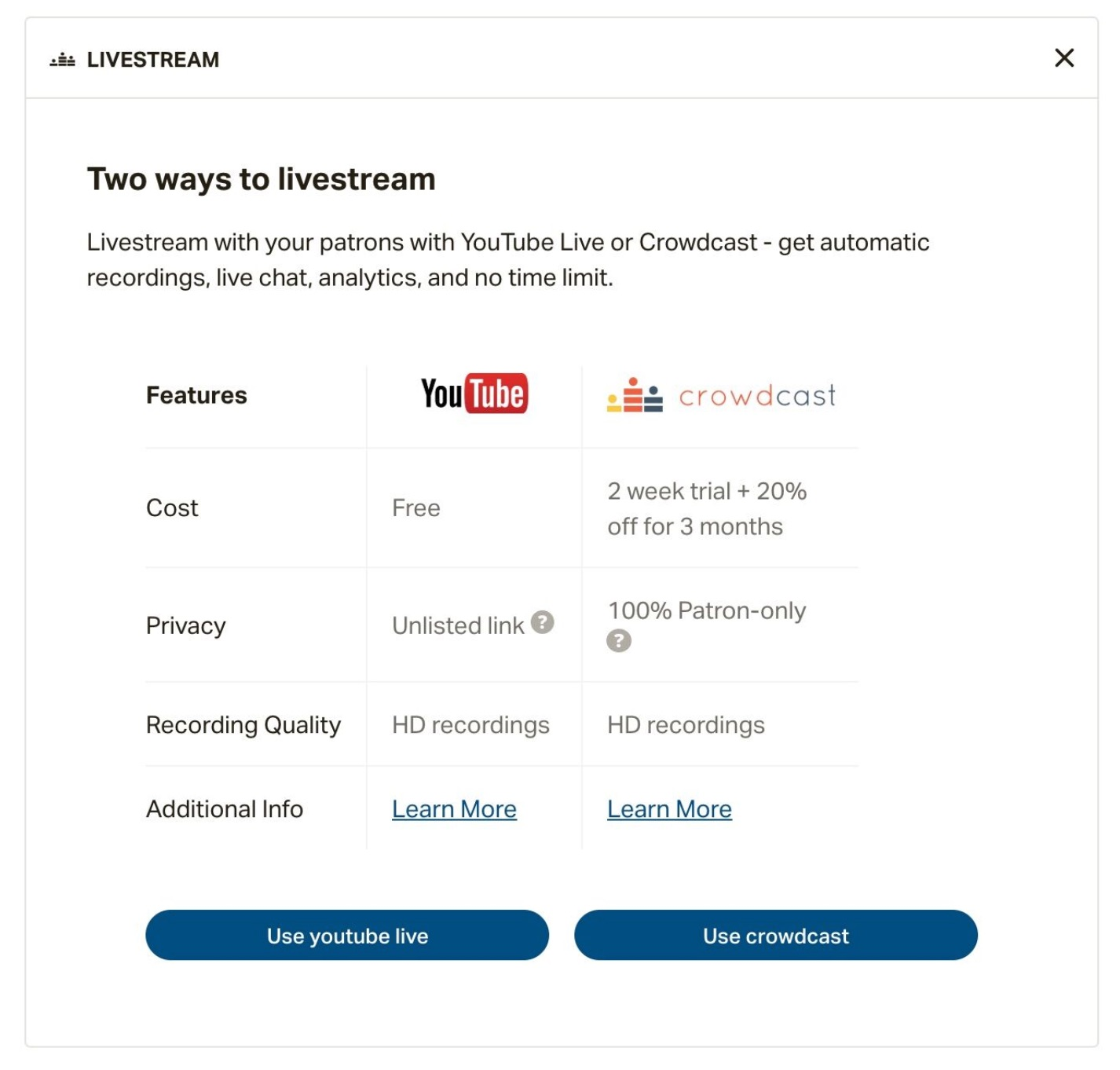
Crowdcast is an easy way to run beautiful, engaging, and immersive webinars without having to install any software or learn any code. If you are a Patreon user, you now have the ability to livestream to your patrons using Crowdcast.
Zoom (Video Conferencing)
Zoom is a web-based video conferencing tool with a local, desktop client and a mobile app that allows you to meet online, with or without video. Zoom users can choose to record sessions, collaborate on projects, and share or annotate on one another’s screens. Think of it like a “Meetings” service designed for collaborating with whiteboarding, screen sharing, and remote screen control features.
Ecamm Live is a macOS app designed to give you tremendous control over live streaming, with special capabilities for Facebook Live, YouTube Live, Periscope, Twitch, and more. Ecamm Live can live stream to any streaming service that uses RTMP streaming.
MAKING A PLAN
Now you’ve got plenty to research, if you’d like. But honestly, the easiest route at this time might be the best. If you’ve got a somewhat active Facebook crowd, you can do any number of things like —
- Choose to go live around the same time your cancelled gig would’ve started
- Set up your own recurring time slots to help fill the void of music for your fans
- Partner with venues to stream from their location (if that’s even allowed where you are)
What are some other ways we can continue to serve our community and stay afloat in the process?
Regardless of what avenue you take, just know that you are not alone and there are resources — like Gigmor — working diligently to find ways to help you through this new(er) music business model.
———
Leonard Patterson is an avid fan of all things New Edition, an indie-focused booking agent, a frequent hi-fiver, and a certified digital marketer. Since stepping off stage as a band manager/front man of a 6-figure party band, he launched Indie Band Coach with a mission to help indie bands reach more fans and book more gigs. When he’s not working, he’s most likely at a live music event, analyzing Marvel movies, or soaking up vitamin D at the beach with his wife and son.
Want more fanbase and social media tips? Subscribe to the Indie Band Coach YouTube Channel .