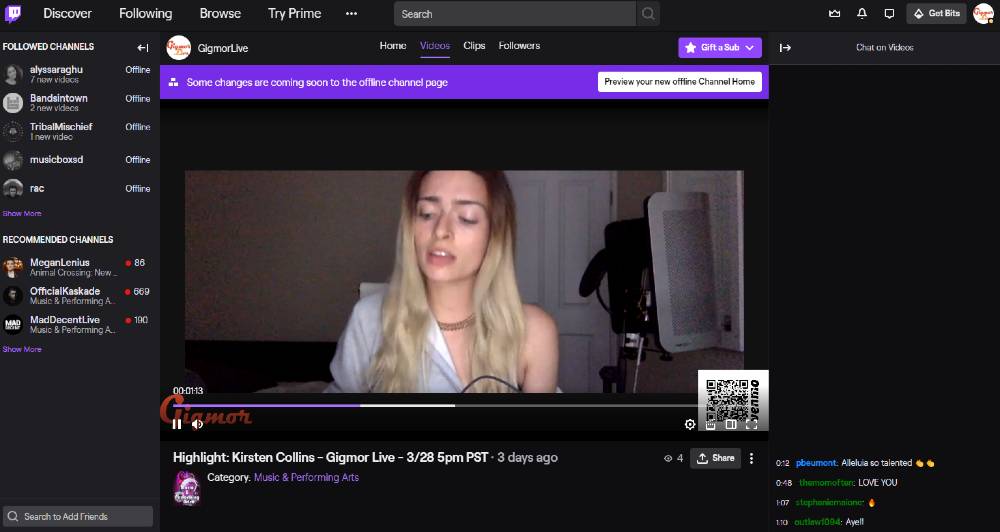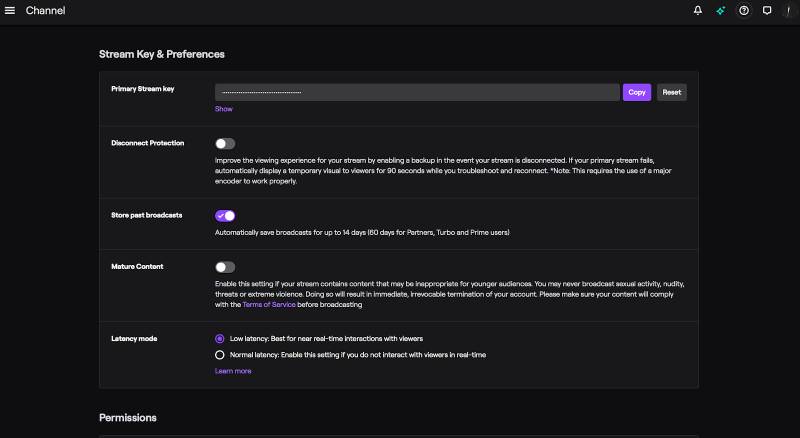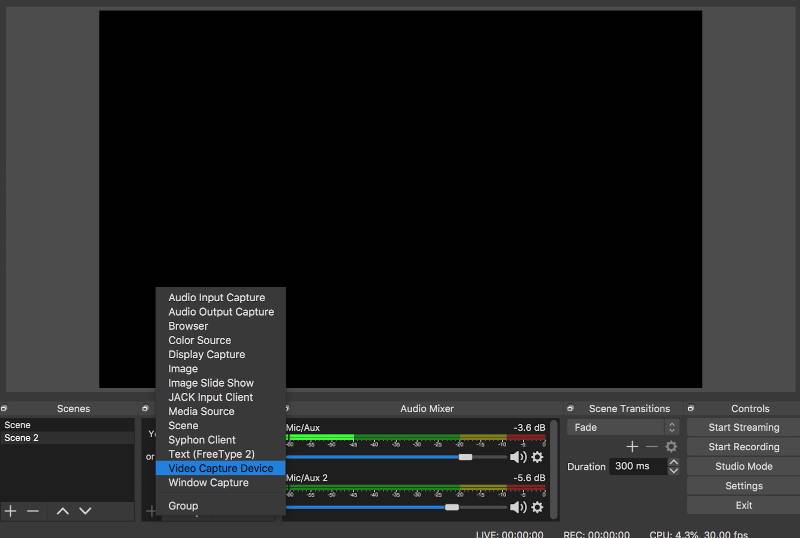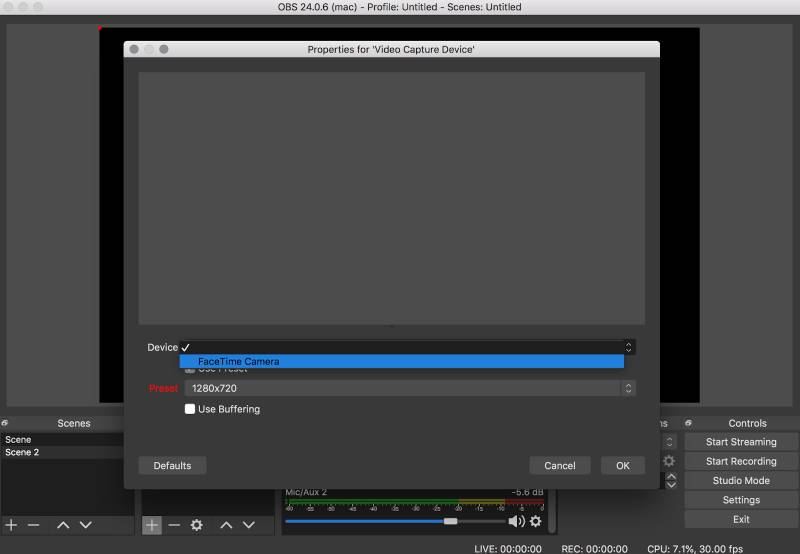

Ok, as we leap passed day (whatever) of quarantine, chances are you’ve seen, hosted, or been a part of a livestream gig of some kind. Chances are that you’ve also encountered a virtual tip jar in one of these streams as a way to support the streamer. If you have yet to take the plunge, but are looking for an awesome opportunity, be sure to check out the new opportunities with GigmorLive on Twitch!
In fact, if you’re interested in performing on Gigmor’s live stream, apply here for free.
A virtual tip jar is one of the best ways to monetize your livestreams. The rest of this blog post lists several virtual tip jar options and payment apps to help your fans support you online — regardless of the streaming platform.
VIRTUAL TIP JAR OPTIONS YOU NEED TO KNOW
1. Paypal
Paypal is one of the most popular online payment processors available to date. It’s easy to set up and is very flexible in terms of how you can accept tips.
- PayPal.me – this option allows you to set up a branded Paypal donation link that is tied to your paypal business account. Once you create this link, however, it cannot be changed (so make it a good one).
- Paypal buttons – choose from a variety of tools to set up buttons to help you accept payments, including selling on social, buy now, recurring payments, donate, and subscribe.
Obviously, Paypal.Me links are easy and popular. Your fans probably won’t think twice because it is such a recognizable and trusted method of payment. But don’t stop there.
Don’t be afraid to think of created “gated” content for your fans and using the recurring payment option from Paypal. You could host your concerts on your website for members/super fans who pay a small monthly fee to access.
- See Bandzoogle, who recently launched Fan Subscriptions as an awesome Patreon-like feature to their sites.
2. Venmo
Venmo is a mobile payment service actually owned by PayPal. With a Venmo account you can transfer funds to others via a mobile phone app. Many artists are using Paypal, Venmo, and the next example, Cash App on their livestreams to accept tips.
- Note: Both the sender and receiver have to live in the U.S.
3. Cashapp
The Cash App, by Square, is a payment app that allows for direct peer-to-peer payment via your mobile device. It’s an awesome alternative in conjunction with Paypal and Venmo. In addition to offering it as a tip method for your fans, you can also get an optional Visa debit card that allows you to use funds from your Cash App account to make purchases or even withdraw cash from an ATM.
I feel like if you want to cover your bases, you’ll have at least these first three options available for people that want to support you. That doesn’t mean you have to post all of the links in everything you do, but having easy-to-use, recognizable vendors will result in a lot less barriers for fans who come to support!
4. Facebook Pay
Messenger isn’t just for messages anymore. Through Facebook Messenger, you can actually send and receive money to friends and family through messages (i.e. not businesses or your business page). The payments must use a bank-issued debit card or PayPal account. For added security, you can create a PIN.
Once you’ve added a payment method to your account, money is transferred right away, but your bank may take up to 5 business days to make it available to you. Facebook currently doesn’t charge you to send or receive money in Messenger.
++ How to Get More Fans Tuned In To Your Band
5. Facebook (Personal) Fundraiser
More than likely if you’ve had a birthday within the past year (let that sink in), you’ve probably seen an offer from Facebook asking if you’d like to donate to a charity on the platform. What you might not realize though, is that you can also set up a personal fundraiser as well.
Personal fundraisers raise money for a personal cause, like yourself, your small business, a friend or a cause that’s important to you.
- Note that you must be at least 18 years old to create a personal fundraiser.
To create a personal fundraiser for yourself, a friend on Facebook or someone or something not on Facebook:
- Click Fundraisers in the left menu of your News Feed.
- Click Raise Money.
- Select Yourself, Friend or Someone or something not on Facebook.
- Select a category.
- Add a cover photo and fill in details about your fundraiser.
- Click Create.
One thing to keep in mind with fundraising is that there’s usually some sort of goal you’re working towards. It could be to replace a certain amount of income from gigs you’ve lost or to hit a certain amount that will allow you to do any number of things, like purchase a piece of needed equipment or pay a specific bill.
Another difference if you’re thinking about the fundraiser route is being realistic about the amount of time it might take to reach your goal. If you’ve only gotten tipped a few dollars on streams before, you might want to consider a series of posts or livestreams in a campaign with several touch points.
With Facebook Pay and Facebook Fundraisers, the real benefit is that more than likely, your audience is already there. There’s one less place for them to navigate to, which can help with the trust factor if they decide they want to support your efforts.
6. Buy Me A Coffee
If you’re looking for a casual, fun way for people to tip you, Buy Me A Coffee is a platform you may want to consider. A free, fast, and creative way to receive one-off and recurring support from fans. It’s a cross between a virtual tip jar and a membership site.
You can showcase your goals and provide an incentive for fans to support you on a monthly basis through tips, donations, memberships, and your own online shop.
Supporters can choose 1, 2, or 3 coffees and you can set the price of your coffee in $3, $4 or $5 increments. Plus, it doesn’t have to be “coffee”. You are able to change your item to anything you’d like — a sandwich, a beer, a soda (or pop depending on where you’re from).
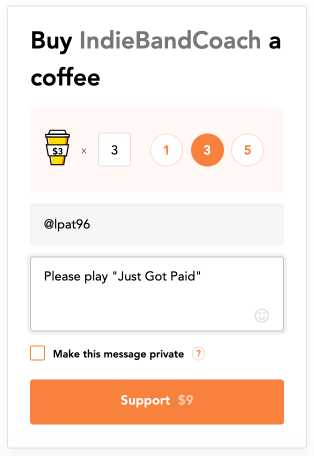
VIRTUAL TIP IDEA: If you’re able to have your platform open during a livestream, you can take requests via tips, much like you might do at a live show. With Buy Me A Coffee, for example, tippers are able to leave a comment, which could be the request.
You also have the option to enable monthly support or memberships for custom content. This means Buy Me a Coffee will automatically withdraw money on your behalf from the supporter’s account. It’s kind of like offering a subscription fee to donators.
7. Zelle Payments
OK, this may not be an obvious option, but I’ve got to say, having funds appear in your bank account without any middleman (or app) is a pleasant process.
Zelle® is basically a fast way to send and receive money with friends, family and others you trust. The transactions are between bank accounts which means money directly deposits into your bank account in minutes. I’ll also be honest, I thought ZellePay was exclusive to Chase, where I bank.
It’s not. There are hundreds of banks that use the feature and as long as you both are “in network” and within the U.S. states.
- Click Here to see a full list of banks that use Zelle
DON’T FORGET TO ADD VALUE
Of course you’ve got your die hard fans, family, and friends who will send you the shirt off their back just because you’re YOU. But don’t forget with all of this attention online, there will (hopefully) be a lot of new fans who are tuning in for the first time.
Be conscious of this when you’re livestreaming and keep in mind that this isn’t about “you” per se. If you have the mindset that you’re sharing your gifts, having fun, and creating enjoyable experiences, your viewers — new and diehards — will be more inclined to support you through your virtual tip jar.
“People love to buy, but they hate to be sold to.” — Anonymous
Everyone is going through a similar experience right now. Be a piece of the puzzle that helps your fans enjoy their newfound time online and seamlessly weave in ways for them to support you in the process.
At some point we will be out and about again, but creating something now that could continue on could be a great source of engagement and income.
Leonard Patterson is an avid fan of all things New Edition, an indie-focused booking agent, a frequent hi-fiver (currently practicing safe “air fives”), and a certified digital marketer. Since stepping off stage as a band manager/front man of a 6-figure party band, he launched Indie Band Coach with a mission to help indie bands reach more fans and book more gigs through livestreaming and social media. When he’s not working, he’s most likely at a live music event, analyzing Marvel movies, or soaking up vitamin D at the beach with his wife and son.